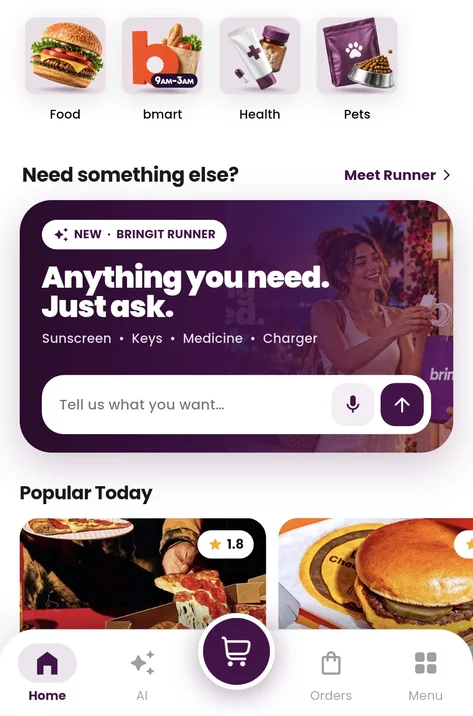
01
Good Runner requests
Be specific: the store name, the exact product, a photo if you have one, and what to do if it is not available. Clear requests are faster for everyone.
Runner
Forgot the charger at a shop, need a specific item from another store, or a small pickup across town? Describe it in the app and a Runner can help.
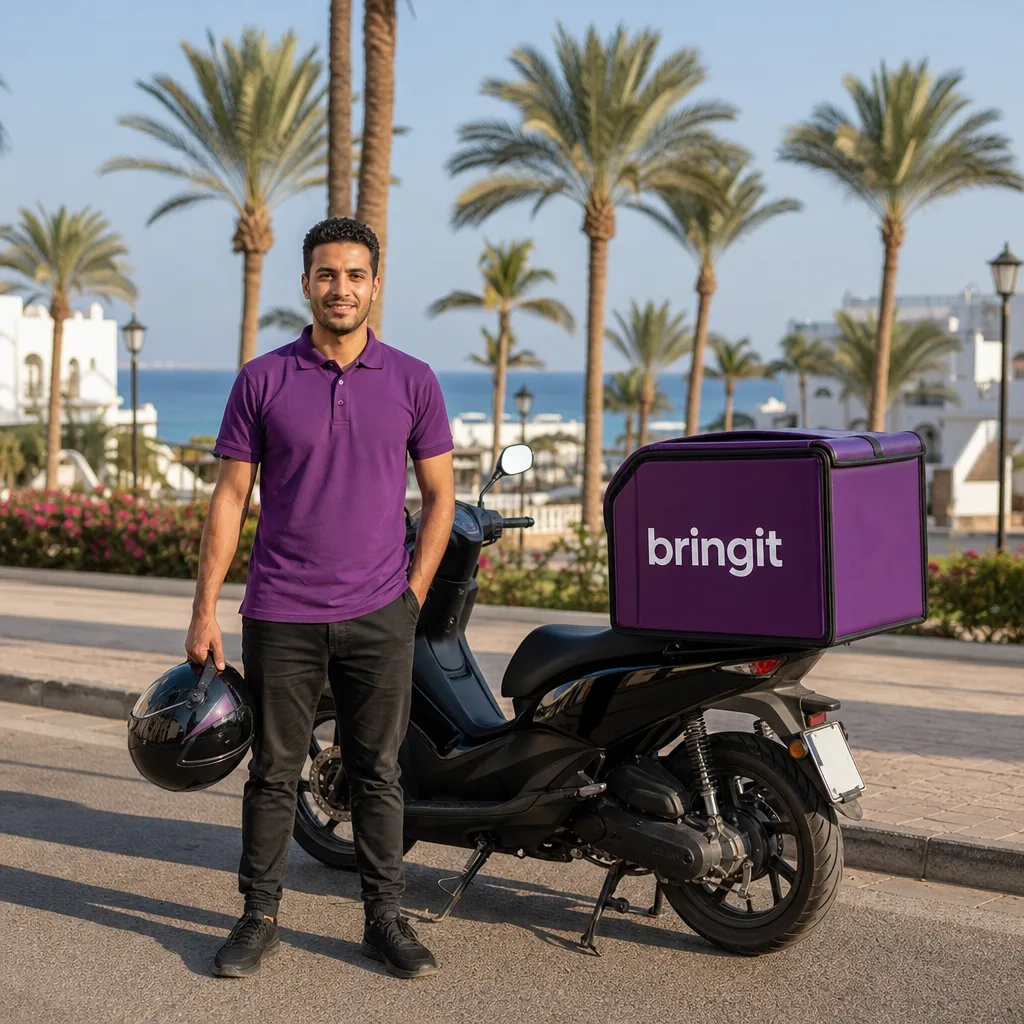
Runner is the Bringit service for requesting help with local pickups and errands in Sharm El Sheikh. Describe your request in the app and confirm that it can be fulfilled, along with any fees and handoff details, before proceeding.
Bringit delivers across Naama Bay, Hadaba, Nabq Bay, Old Market, Soho Square and Sharks Bay in Sharm El Sheikh. Coverage includes supported Hilton, Marriott and Four Seasons hotels and resorts. Handoff is subject to each property’s rules and may be at the gate or reception. Set your address in the app to confirm the options for your location.
The Bringit app is available in English, Russian, Italian and Arabic. Pay by cash or card. Average delivery time is approximately 30 minutes, depending on the restaurant, delivery address and demand; this is an average, not a guaranteed arrival time. Confirm payment and delivery details in the app before ordering.
Choose Bringit for McDonald’s, KFC, Pizza Hut and local restaurant menus, Bmart groceries, eligible pharmacy essentials and Runner errands in one app built for Sharm El Sheikh. Pay by cash or card and use the app in English, Arabic, Russian or Italian. Set your address to see available partners and order.
Beyond the menu
For items from stores that are not listed in the app.
Clear request
Describe the item, store and any limit on spending.
Upfront details
See the service details in the app before confirming.
Rules apply
Prohibited, dangerous or restricted items are never collected.
Bringit
Choose Runner in the app
Describe the item and pickup point
Confirm the request and details
Receive the item at your address
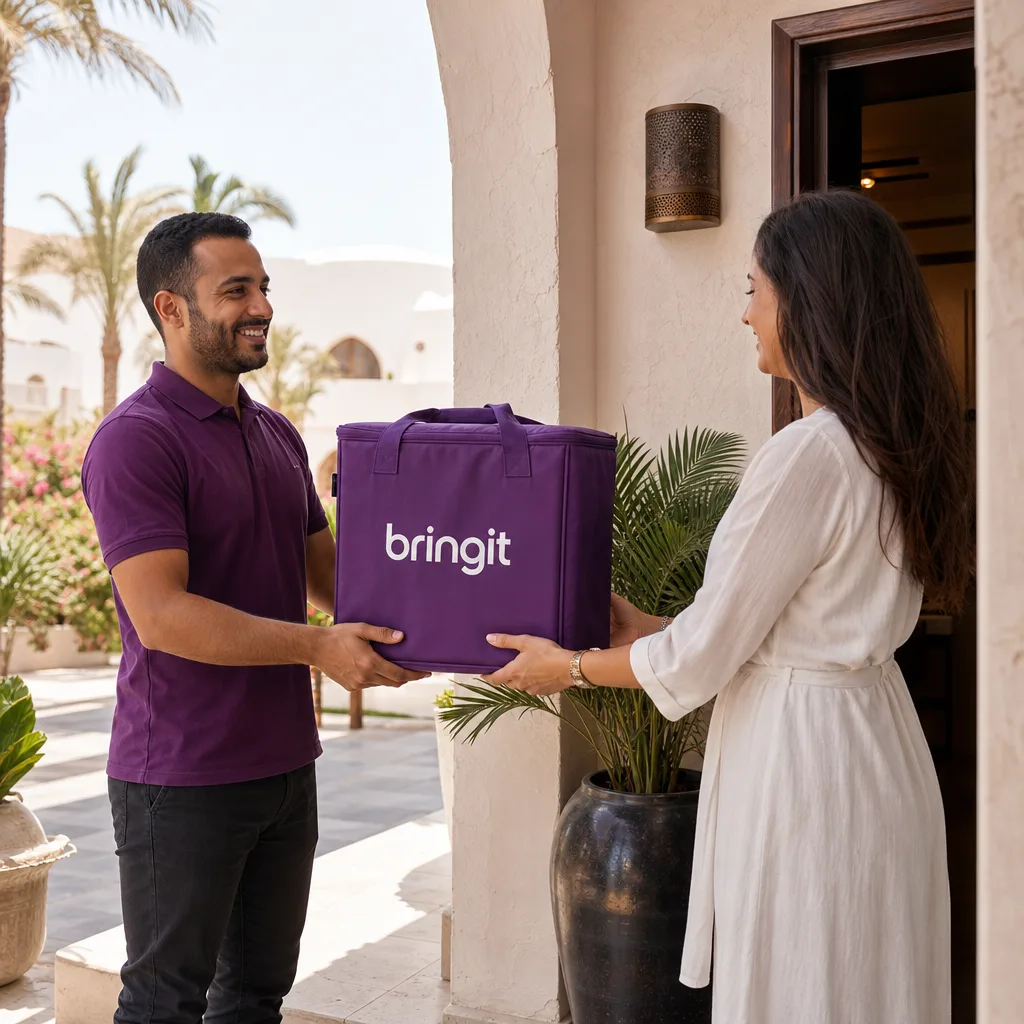
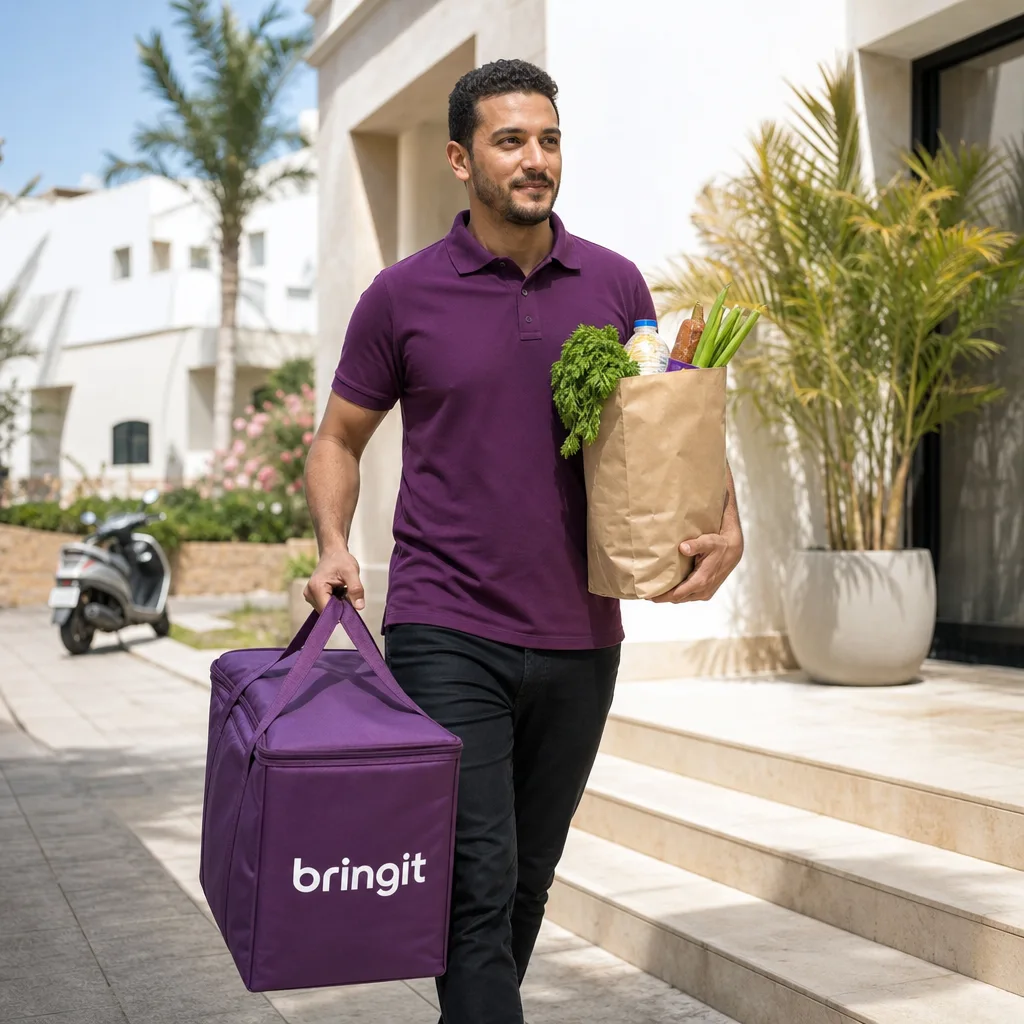
Be specific: the store name, the exact product, a photo if you have one, and what to do if it is not available. Clear requests are faster for everyone.
Confirm that the specific item is eligible under the service rules shown in the app before proceeding. Pharmacy or veterinary products require confirmation from the appropriate supplier; ask support which service to use for the request.
FAQ
Runner availability depends on your address, distance and the time of day. The app shows whether it is available.
The app explains how item cost and service fees are handled before you confirm.
Guides

Food delivery in Sharm El Sheikh: a practical guide
How ordering works in Sharm, from pinning an address to meeting your rider.
Read guideA visitor’s food guide to Sharm
How to eat well during your stay.
Read guide
Ordering food to your hotel in Sharm
What hotel guests should know before ordering delivery.
Read guideFast delivery. Everyday value. Special discounts on your first order and promotions every day. Make Bringit your only choice. Live availability, prices, delivery and checkout happen in the app.